CVS Health
Case Study: Simplifying Complex Information within a Clinical Portal
Project context
CVS wanted to create a web-responsive Clinical Portal that remotely connects clinicians with home dialysis patients. I worked on this project from strategy to execution (2019-2022).
Problem I set out to solve
The core challenge was that the product relied heavily on complex clinical terminology and workflows. Our research showed that while clinicians understood the terminology, the way the information was presented to them made it difficult to quickly interpret patient data and take action.
My role as Content Strategist and UX Writer
Led content strategy and UX writing for the product.
Partnered with designers, accessibility partners, developers, and the product team.
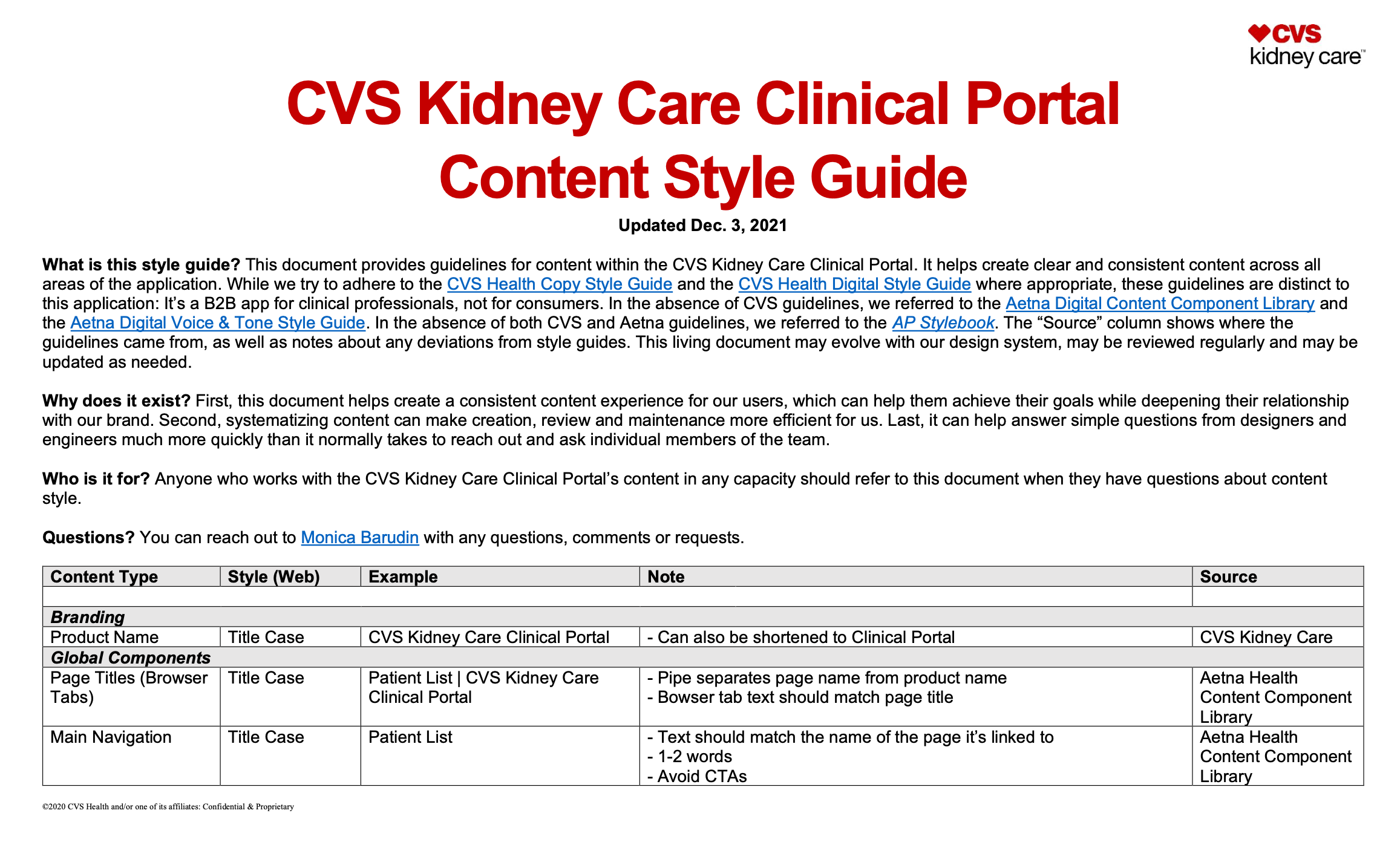
Established the product voice and tone by creating and managing a content style guide.
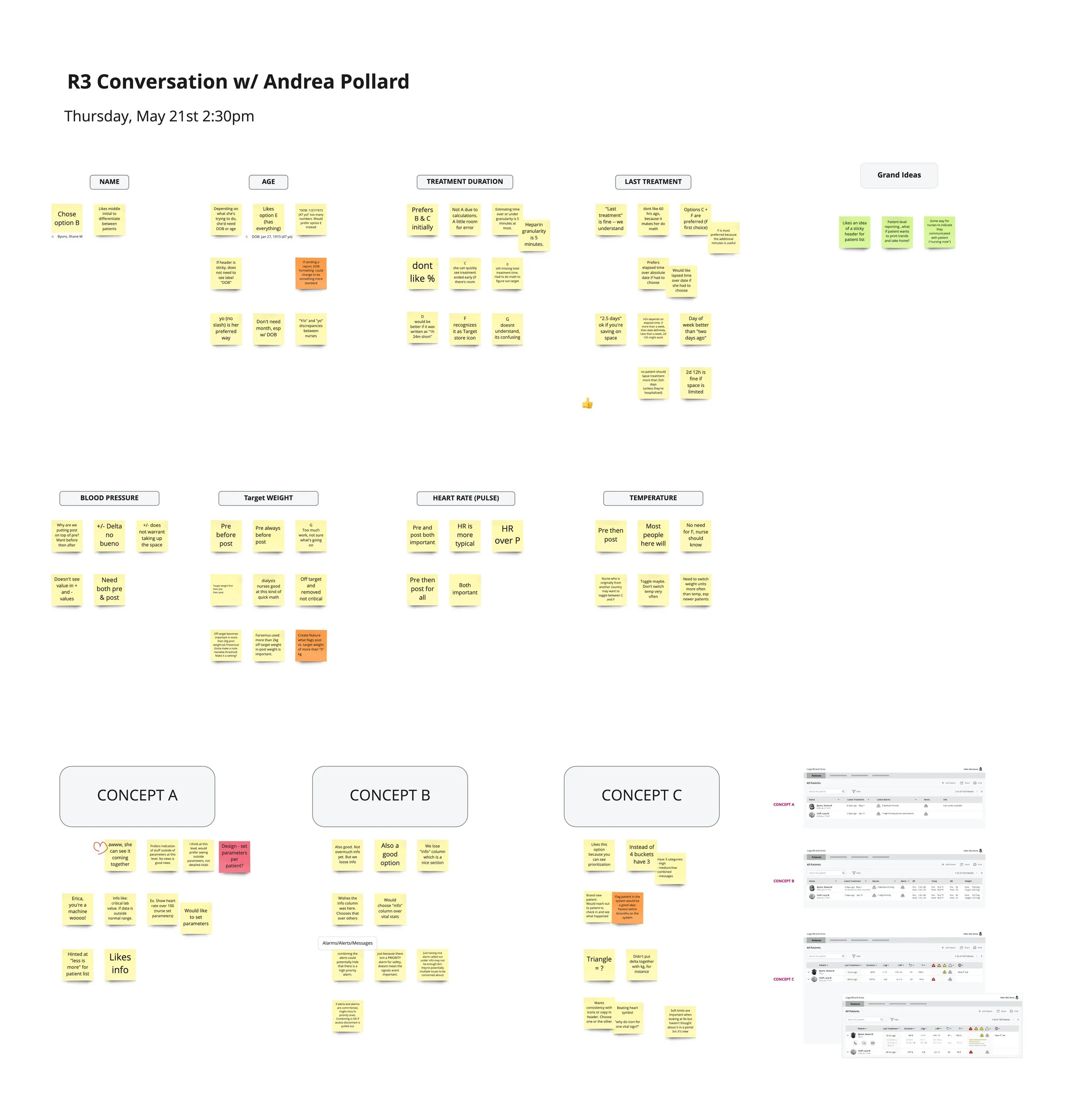
Conducted extensive research including usability testing, user interviews, content audits, and competitive analysis.
Designed portions of the Clinical Portal using existing product designs and user interface (UI) kits, and collaborated with Product Designers to create low-fi wireframes through high-fi designs.
Collaboration
This was a regulated healthcare product, so I partnered with clinicians and compliance teams regularly. I also collaborated with designers, accessibility partners, developers, and the product team throughout the project.
Process
First, the UX team and I met with our product team to gather requirements
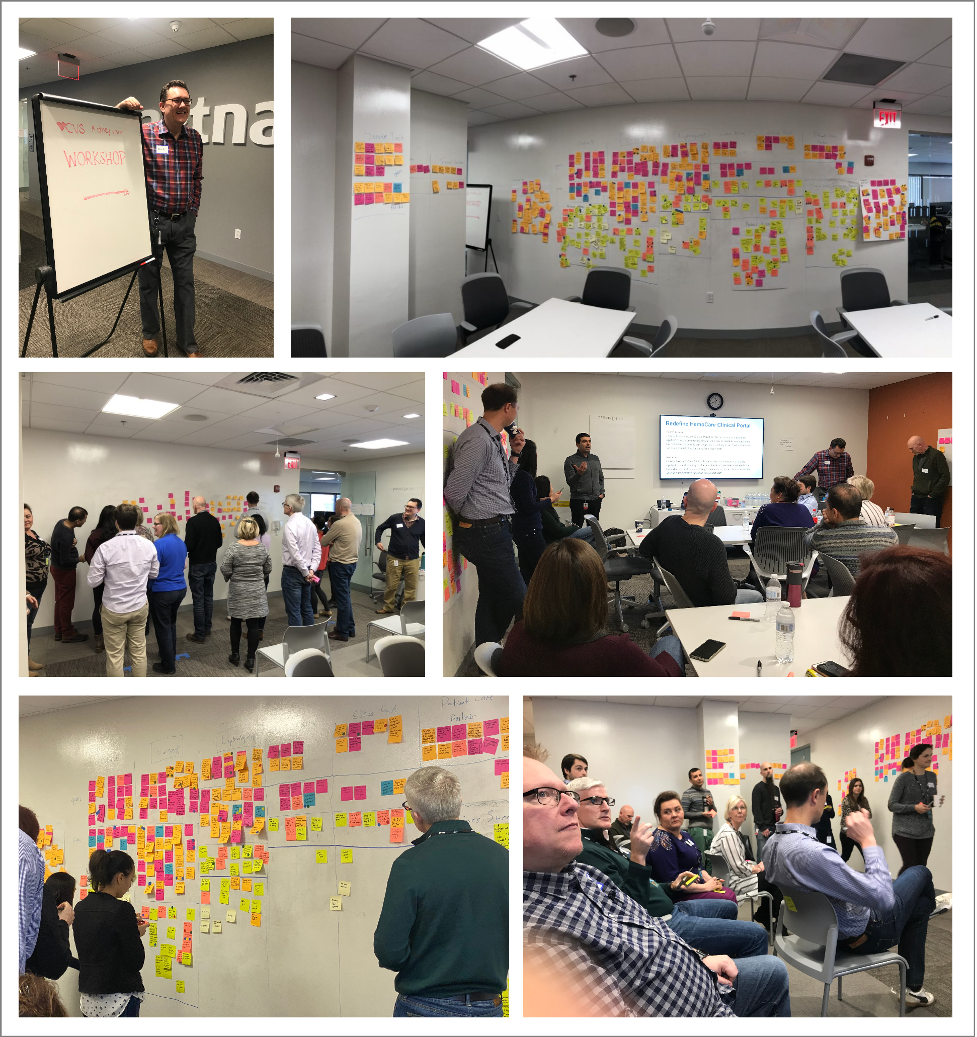
Designers and I began extensive discovery sessions with clinical subject matter experts to understand their workflows, terminology, and challenges.
We assembled the Clinical Portal feature by feature. Design iterations began with sketches and wireframes, then ultimately led to low- and high-fidelity prototypes.
Finally, we annotated work for developers and worked hand-in-hand with them as they completed the work.
Research and insights
We conducted extensive research including usability testing, user interviews, and task analysis with nephrology nurses and other care team members. A key takeaway was that clinicians needed to scan and prioritize information quickly. Simplifying complex information and contextual guidance were critical for our users.
Content strategy
Domain knowledge: Partnering closely with subject matter experts, I learned which terms were essential, and which ones could be removed to reduce cognitive load.
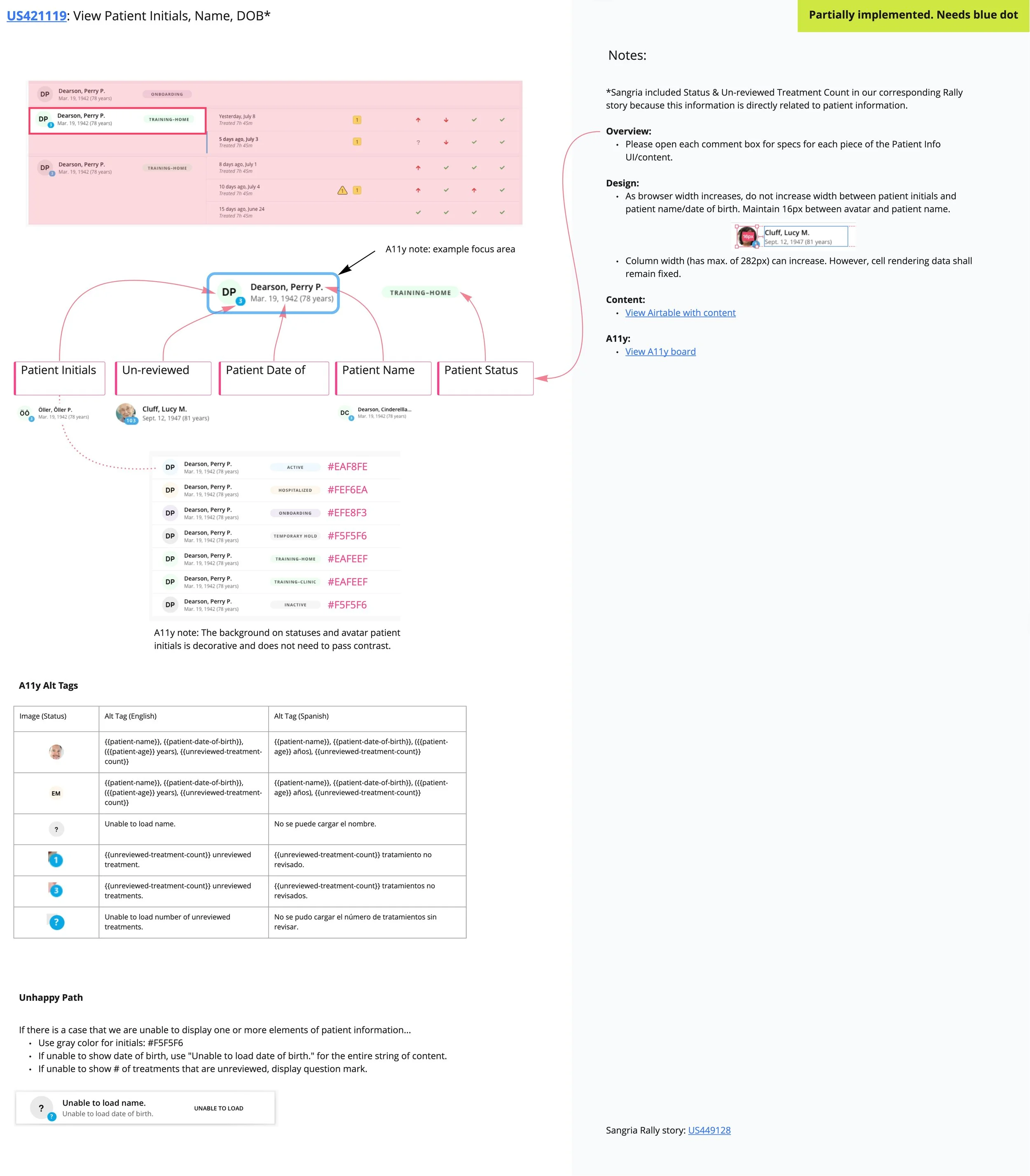
Content design: I restructured content hierarchies to prioritize the most important information, introduced clear labeling and microcopy, and designed contextual help text so users could complete their tasks quickly and easily.
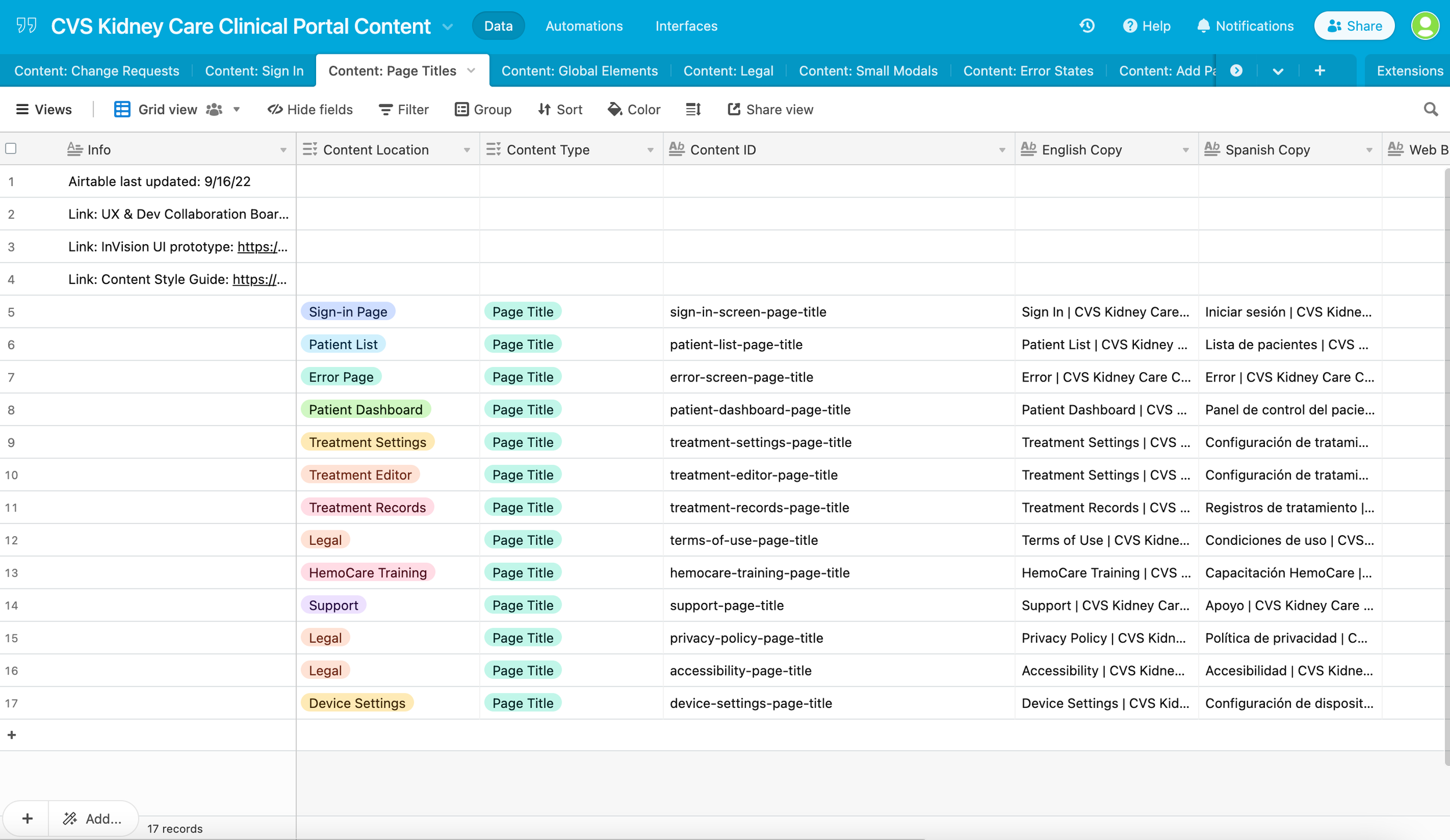
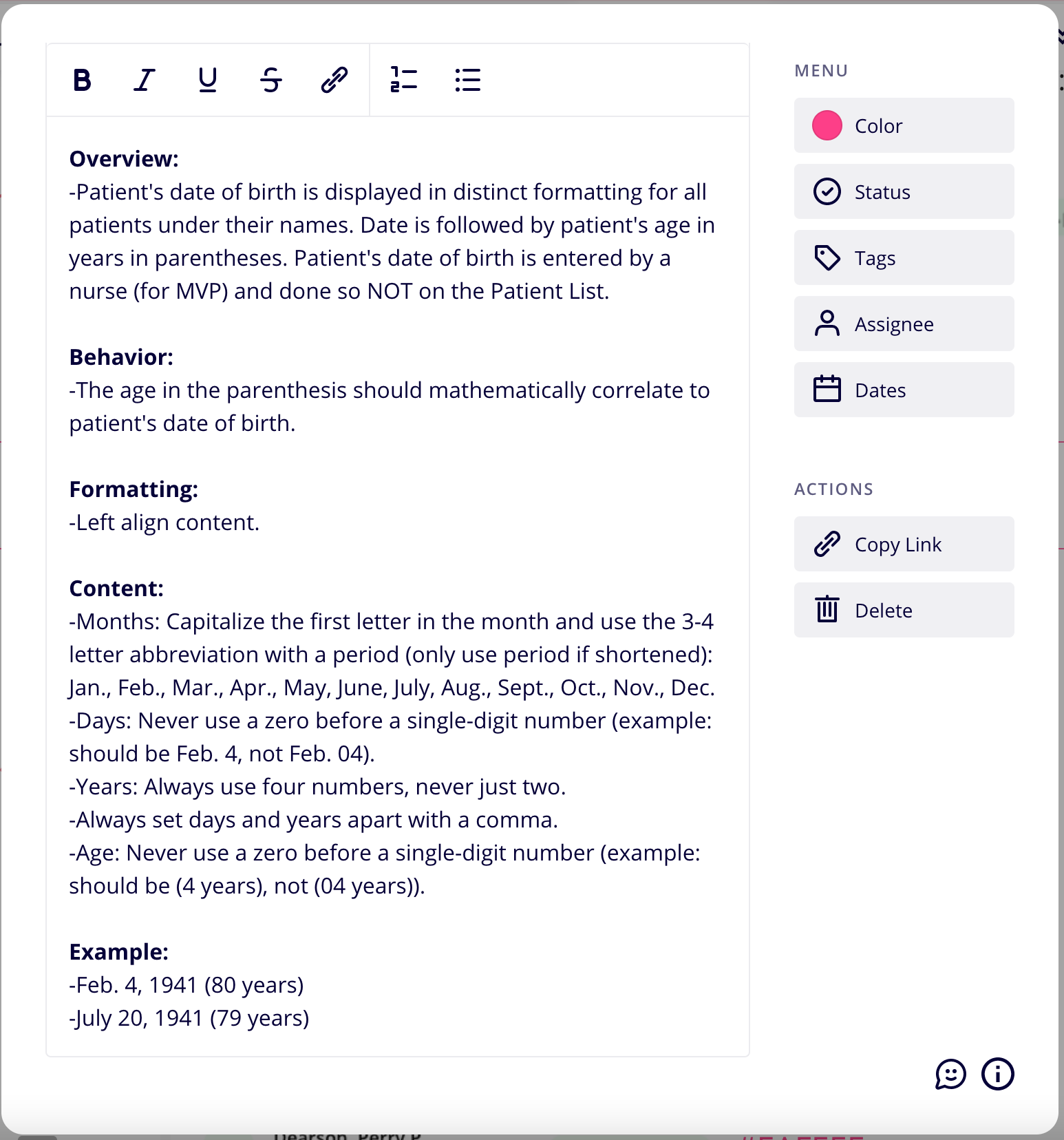
Product voice and tone: I created and maintained a content style guide to ensure consistency across the product. I worked closely with designers in wireframes and prototypes to ensure content and designs worked together cohesively.
Solution
The final product was a fully designed, WCAG 2.1 AA compliant, Clinical Portal that allowed users to remotely manage and monitor their patients and provide the best care possible. Users had clearer information hierarchy and simplified information to reduce cognitive load without sacrificing key clinical data.
Impact
Usability testing showed that clinicians could interpret patient data easily and complete key tasks quickly.
Lessons learned
The Clinical Portal was a multi-year, multi-discipline effort that required close collaboration with subject matter experts at all times. Our team routinely checked assumptions with experts and relied on their expertise to create a product that would give them a great user experience, and ultimately allow them to care for their patients effectively.
One key takeaway was the importance of understanding domain knowledge before simplifying it. In terms of content, clarity doesn’t mean removing complexity. It means structuring it in a way that supports quick, effective decision-making.
-
![Personas]()
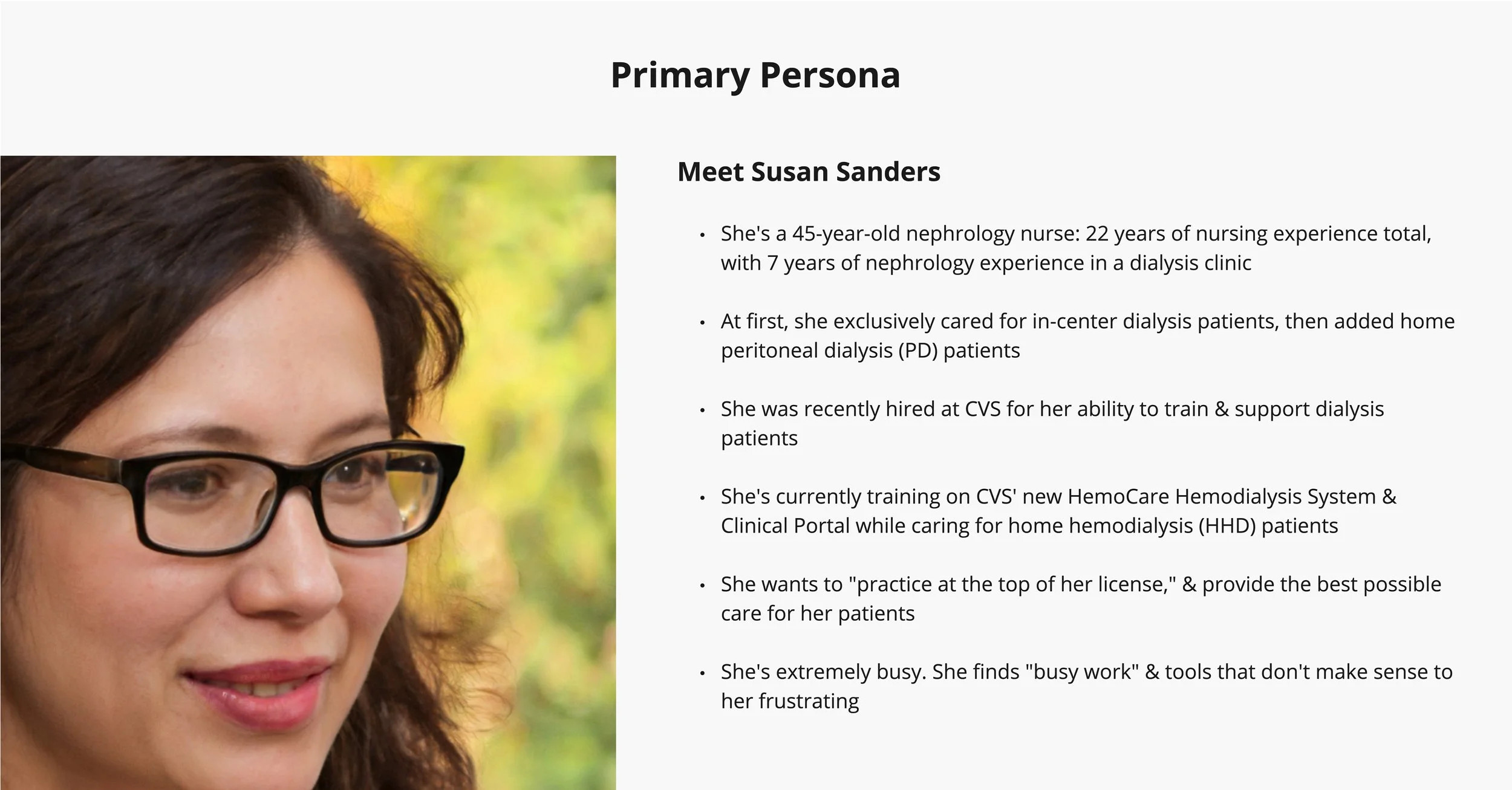
Personas
-
![Competitive Analyses]()
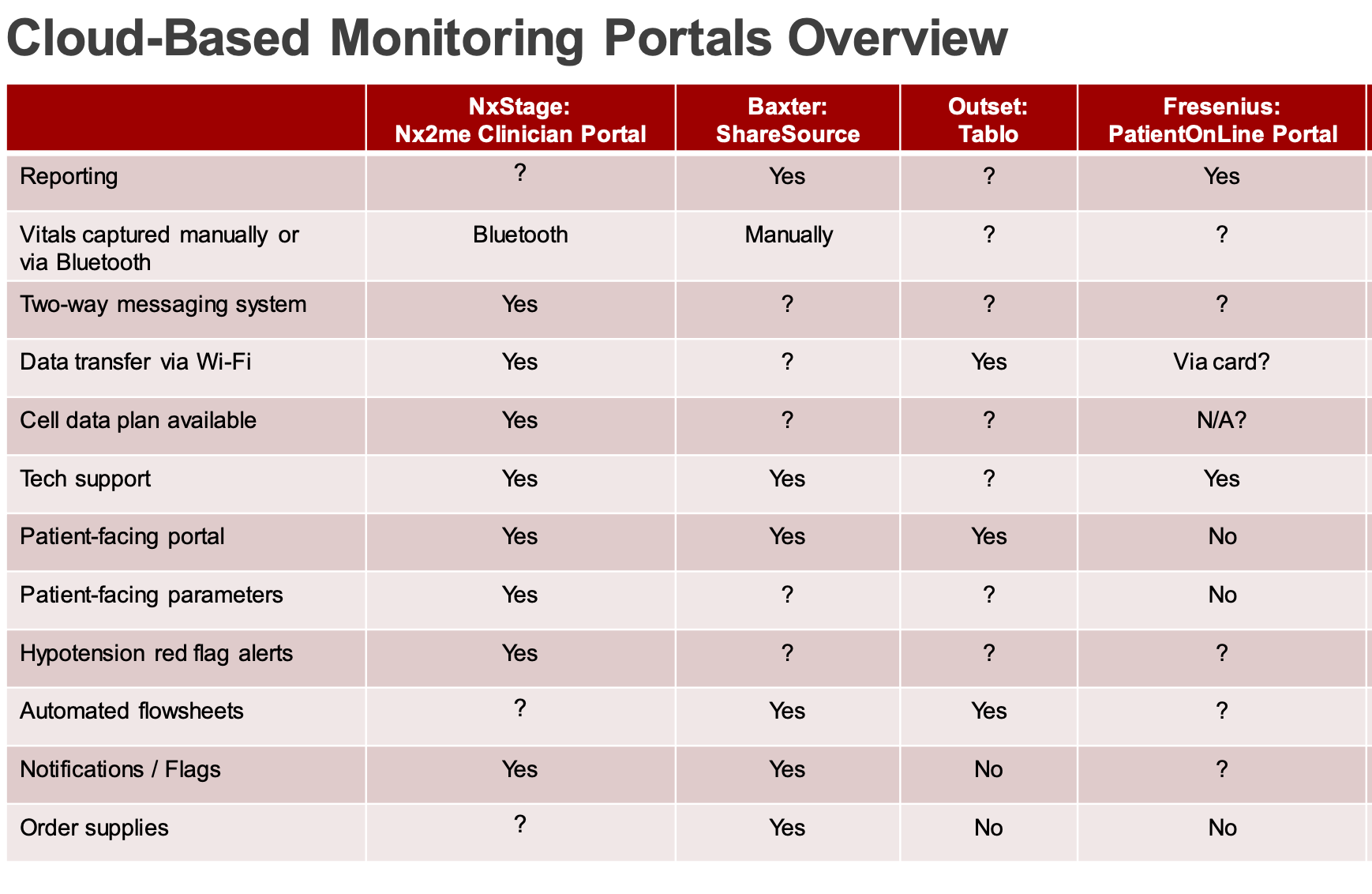
Competitive Analyses
-
![Style Guides]()
Style Guides
-
![User Testing]()
User Testing
-
![Design & Content Documentation]()
Design & Content Documentation
-
![Copy Decks]()
Copy Decks
-
![Content Documentation]()
Content Documentation
-
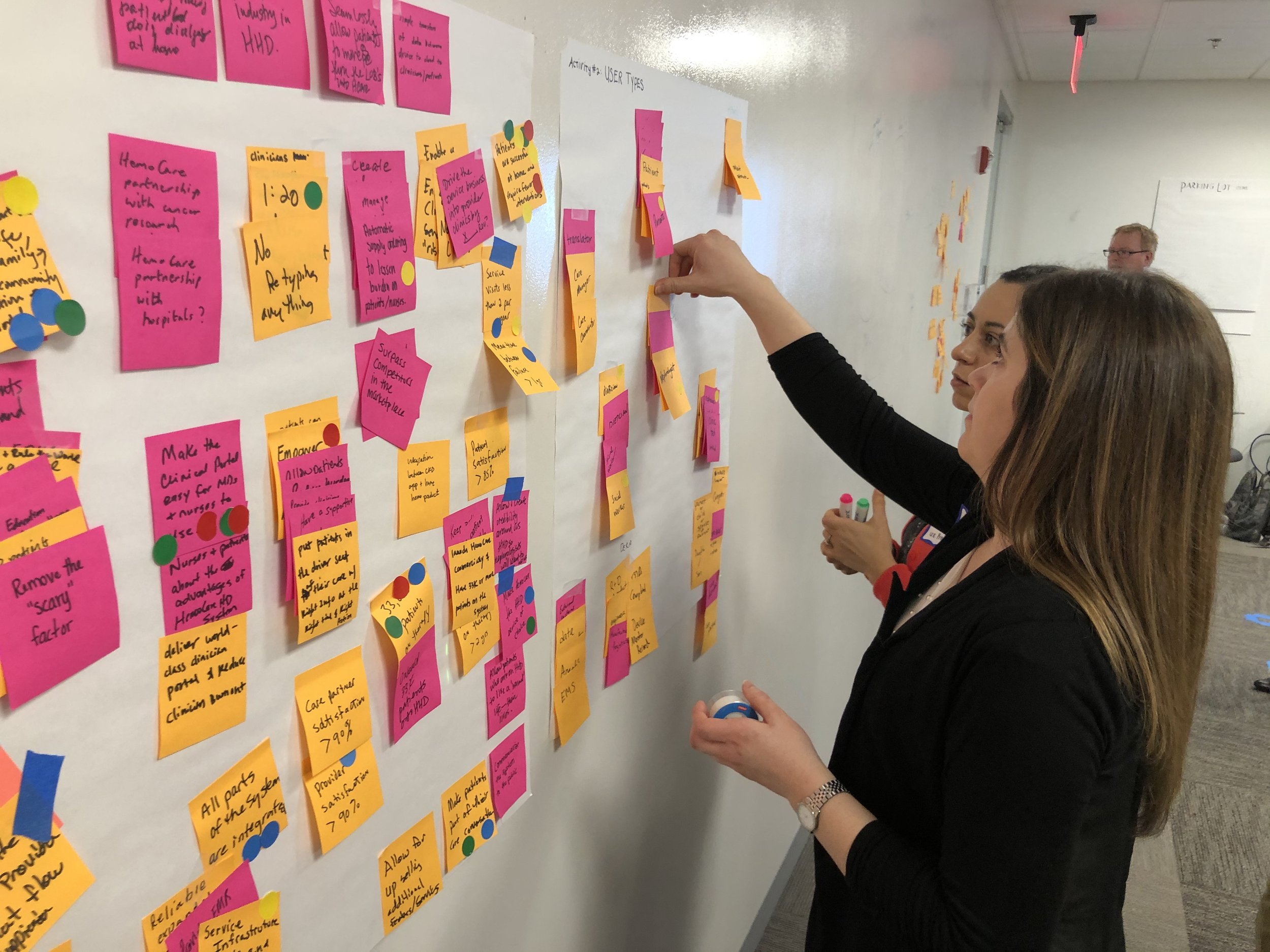
![Workshops]()
Workshops
-
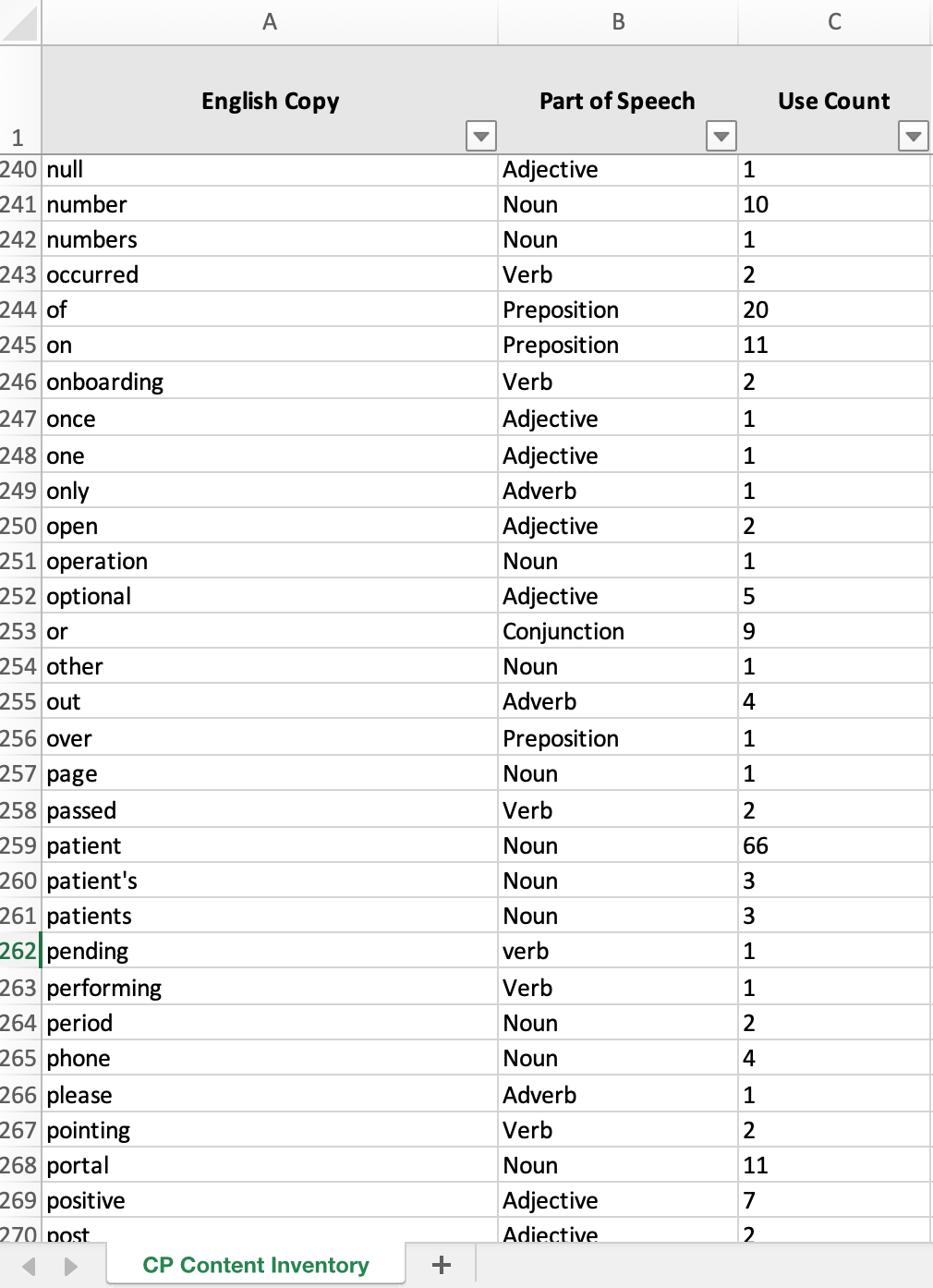
![Content Inventories]()
Content Inventories
-
![Workshops]()
Workshops
-
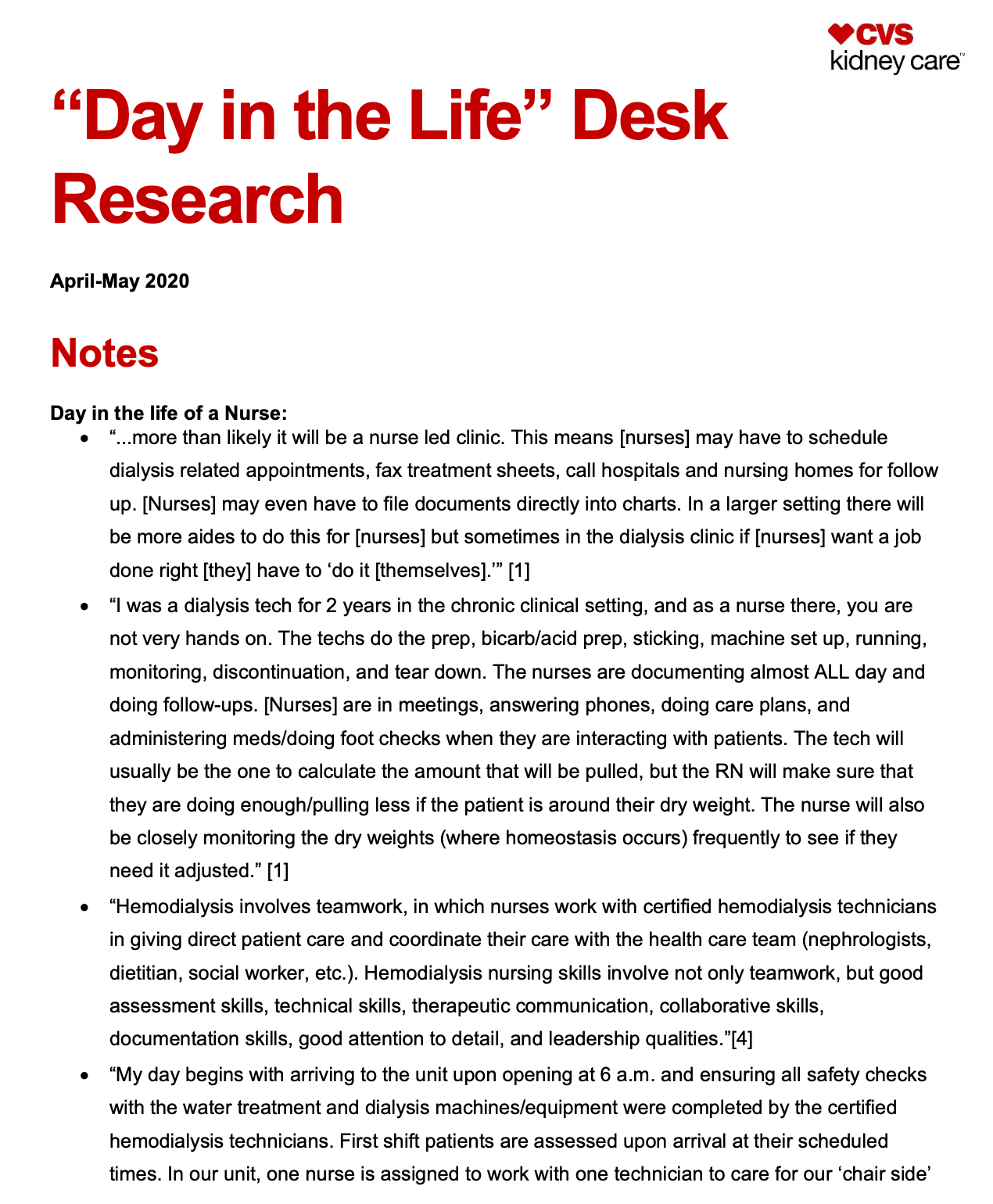
![Desk Research]()
Desk Research